
Compatibility, is it suitable for my...?
Don't take chances with “it seems okay.” Tell us what equipment you have and what you want to do, and we'll give you 2–3 reliable options.

The problem
In tech, the typical mistake is not choosing worse, it's choosing “incompatible.” Many options seem the same until they don't work.
When compatibility is not validated, this happens:
- The customer buys something “similar” and later discovers that it is not suitable
- He gets lost among acronyms and numbers and gives up the search
- Returns and support increase (“Why doesn’t it work with my model?”)
- The entire purchase (accessories/spare parts) is put on hold for fear of making a mistake.
What does Kimera do?
Understands your context
Identify whether it is an accessory, replacement part, or upgrade, and for which equipment.

Confirms the fit
Close compatibility with 1-2 key questions
Secures filtering
Discard what “almost works” and leave only safe options.
Recommends and suggests
It shows you a main option and another nearby option.
Kimera in action
Real doubt
Key questions
Compatible RAM
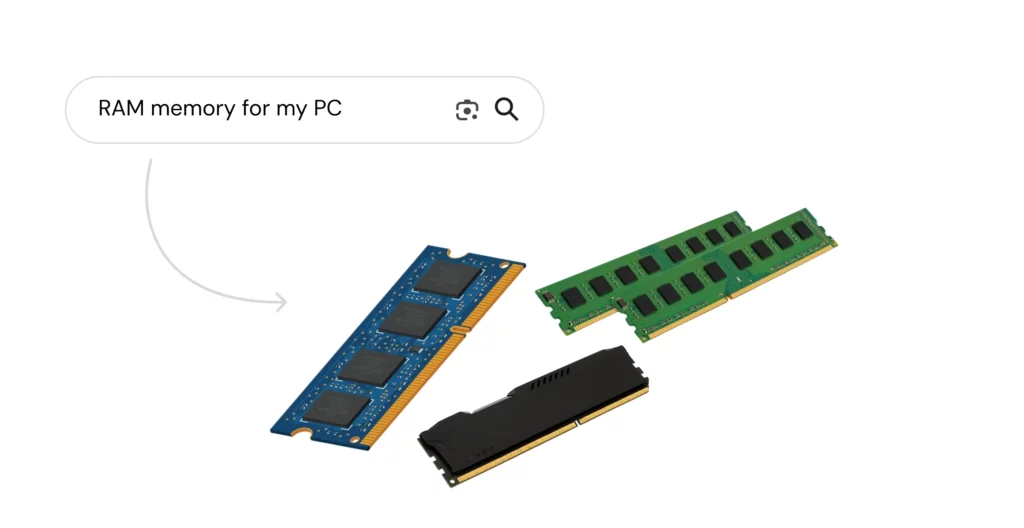
The customer wants to upgrade their RAM because their PC is running slowly, but they don't know if they need DDR4 or DDR5, how much speed it supports, or if their motherboard has free slots. They search for the usual, “RAM for my PC.”

Kimera does not ask for an endless list: it asks for the minimum information needed to avoid common mistakes (incorrect DDR or incompatible kit). With these answers, it determines compatibility and detects whether it is better to add or replace with a kit.
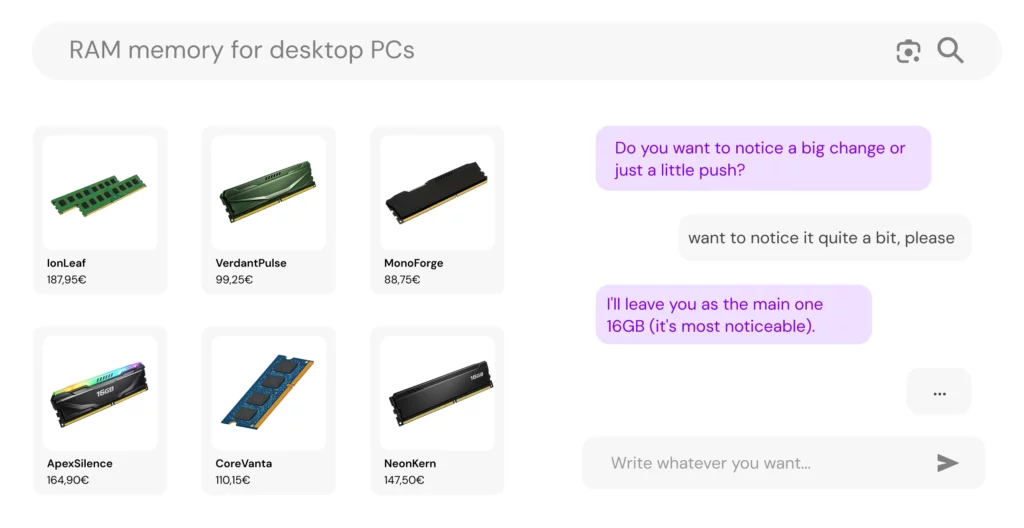
The results are adjusted in real time: it only shows RAM that fits your platform (type, format, and kit). It gives you a top recommendation and an alternative, explaining the trade-off.
Other use cases
Perfect pairing in seconds

Find the perfect product through personalized recommendations for you.
Customer doesn't know the name

Find products without knowing their name by asking key questions
I don't know what to take for what I have

A customer has symptoms and does not know what to take to fix it.
Choosing the right padel racket
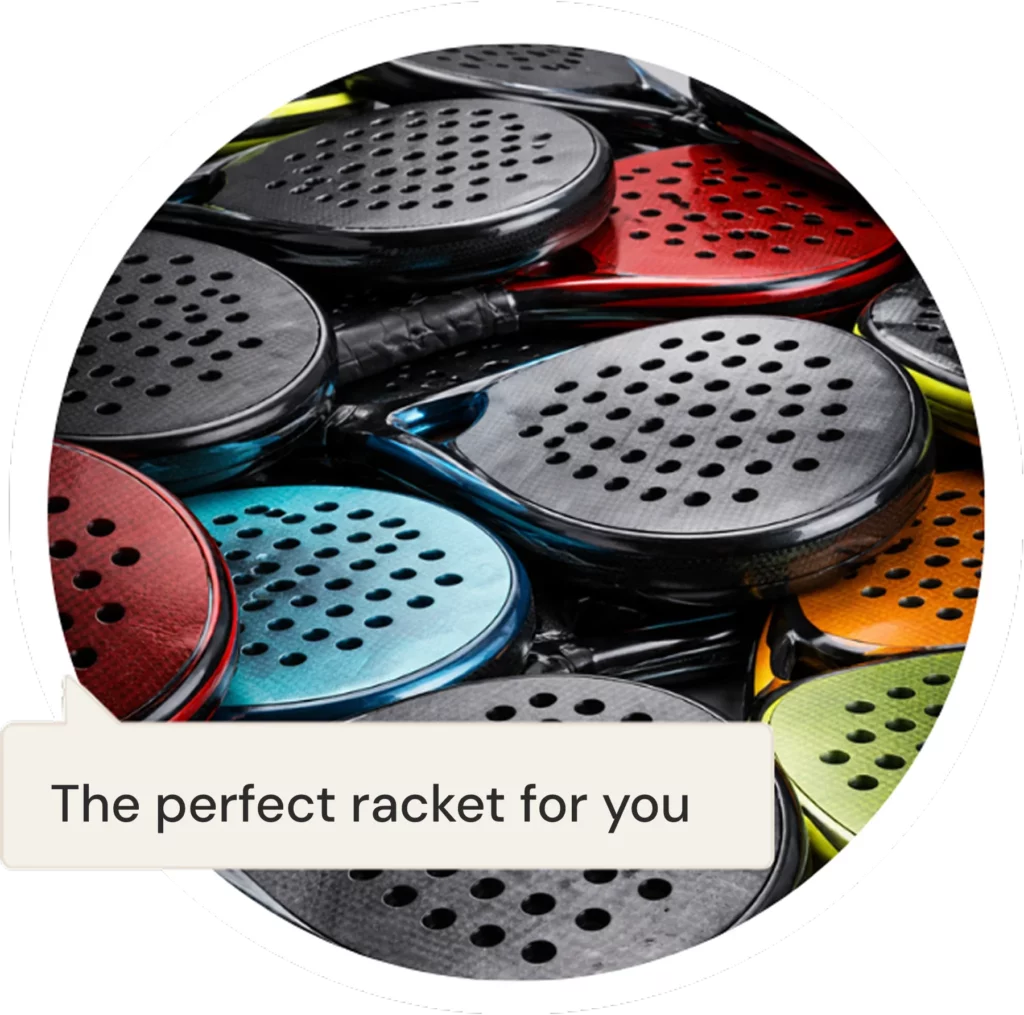
We help you choose the ideal racket based on your level, playing style, preferences.
This sofa fits in my living room?
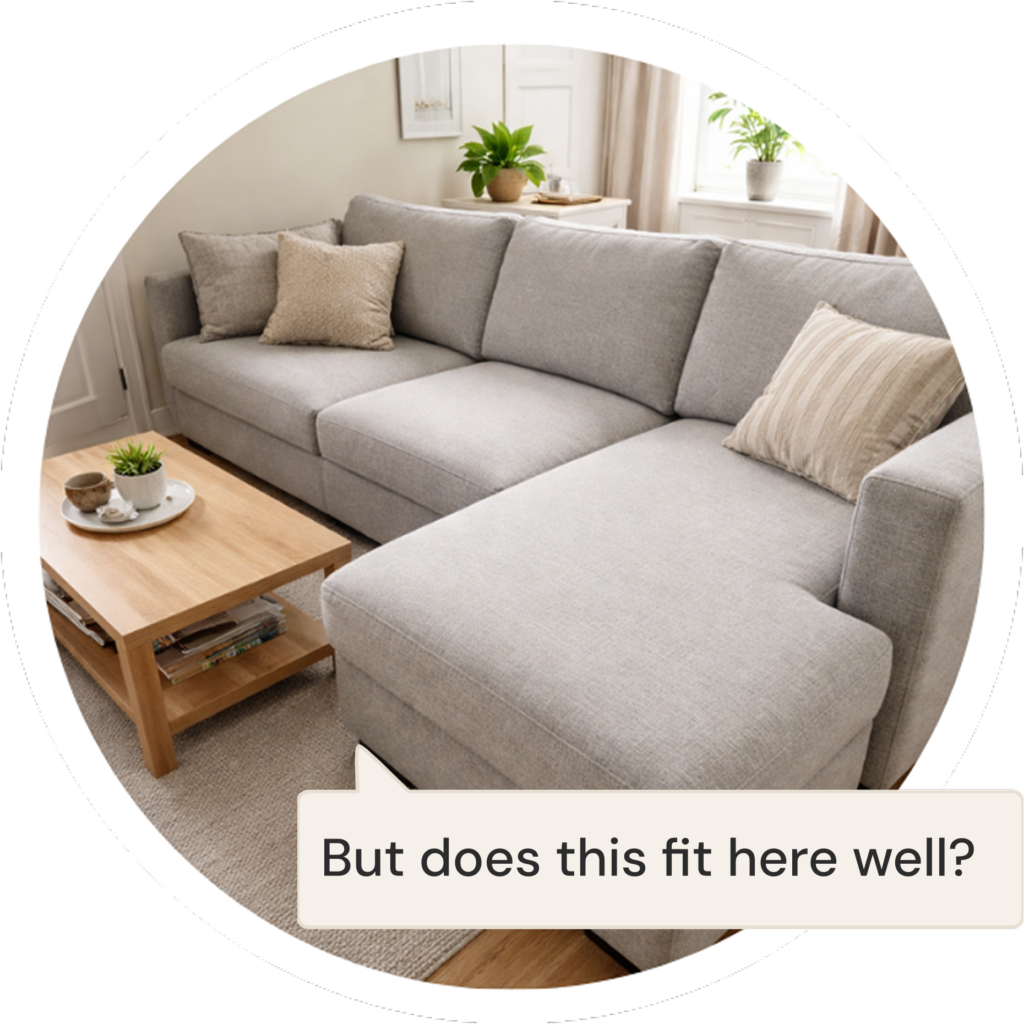
I want to put a sofa in my dining room, but I don't know if it will fit or look good.
The best assistant for your electronics store
Advise and help your customer find what they really need and will use.