The search engine that understands your products
Kimera takes your catalog text and completes the information using the product image.
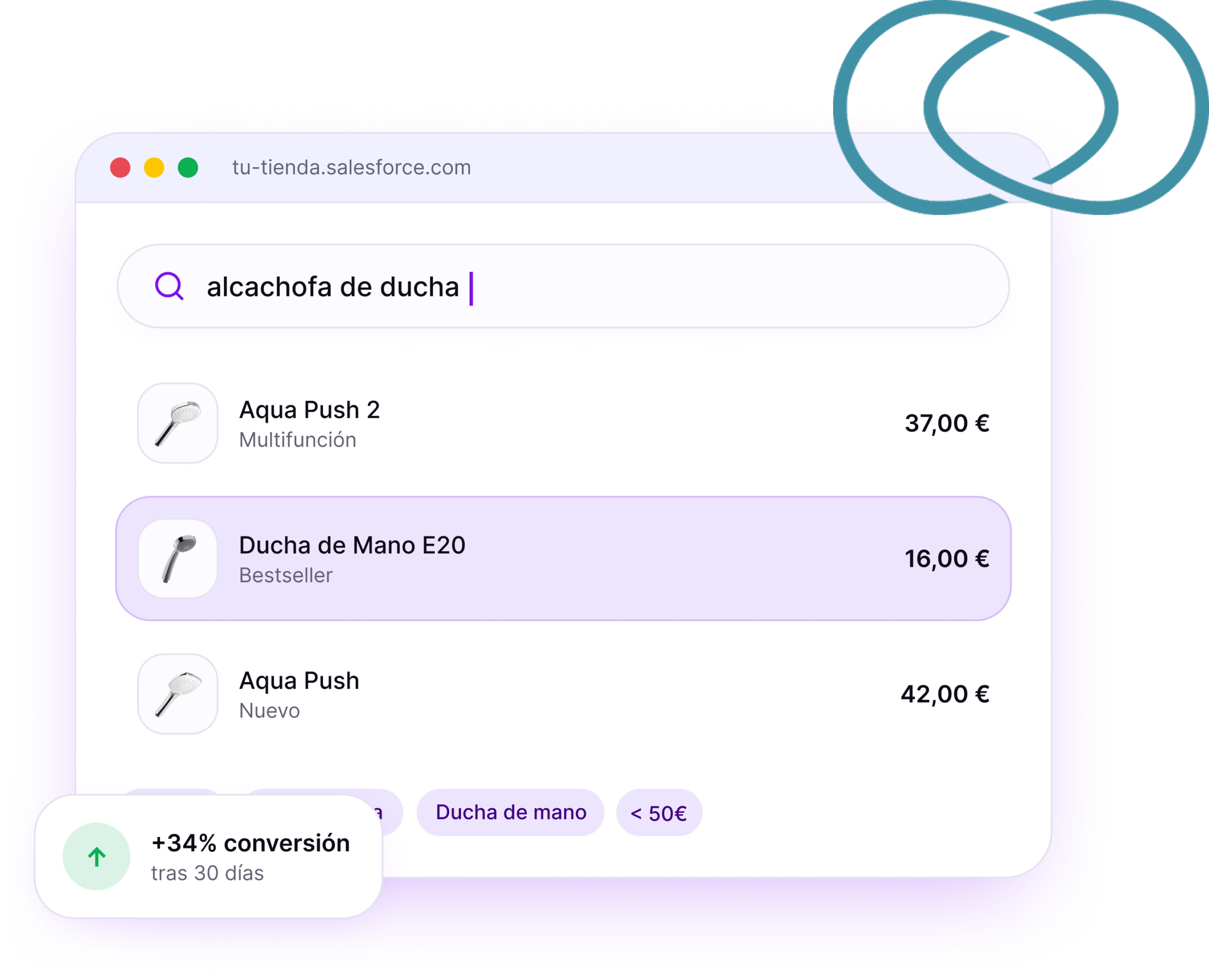


+34%
higher conversion for visitors using search
−15%
fewer zero-result searches
<24h
to get it running on your store
+20%
higher average ticket size with relevant results
AI Search for LogiCommerce
Everything the native LogiCommerce search doesn’t do
LogiCommerce’s native search compares words. Kimera interprets the intent behind the query and cross-references it with what is actually in your catalog.
Understands what the customer wants
“green waterproof rain jacket” returns products, not matches for separate words.
Handles typos and synonyms
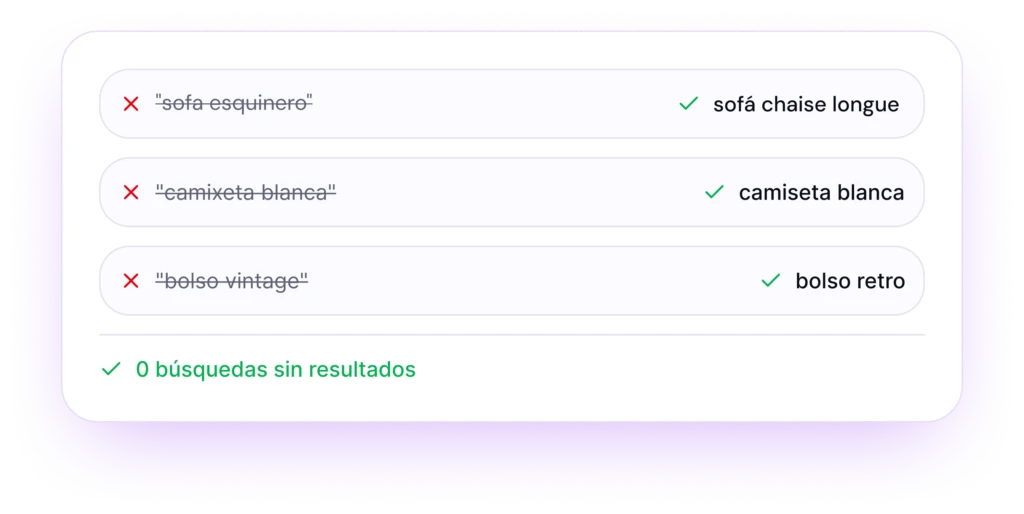
“zapatilas”, “bambas”, or “sneakers” all lead to the same place. The customer doesn’t have to guess your vocabulary.
Reads your product pages and completes the info
Extracts attributes from text and product images, even if they aren’t in the tags.
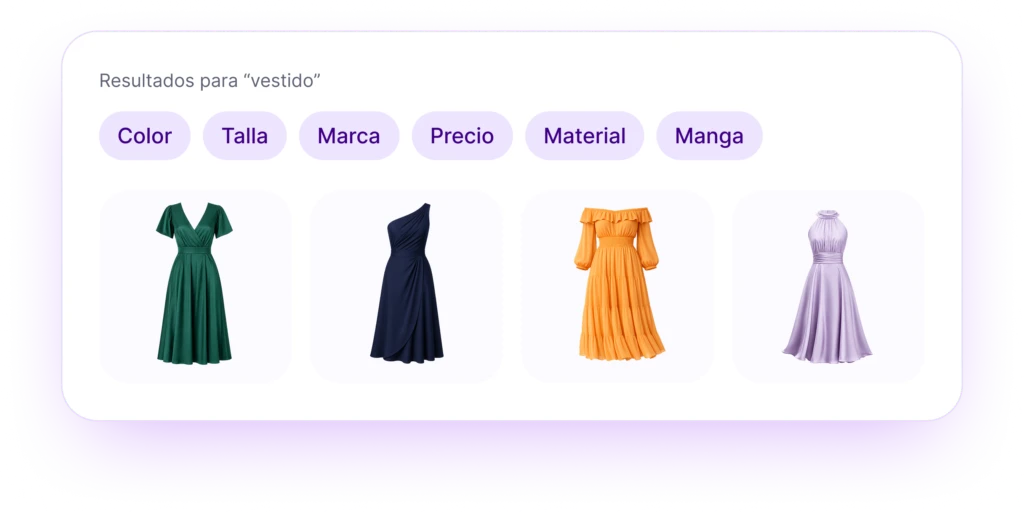
Automatically generated filters
Filters adapt to what is being searched instead of relying on a fixed category tree.
Results ordered to sell
Margin, stock, and new arrivals influence result order, not just relevance.
Know what’s happening inside the search
What people search for, what they can’t find, and what leads to a sale, in a dashboard from day one.
Inside the search
Three features that change the search experience
Autocomplete
Suggests products, not text
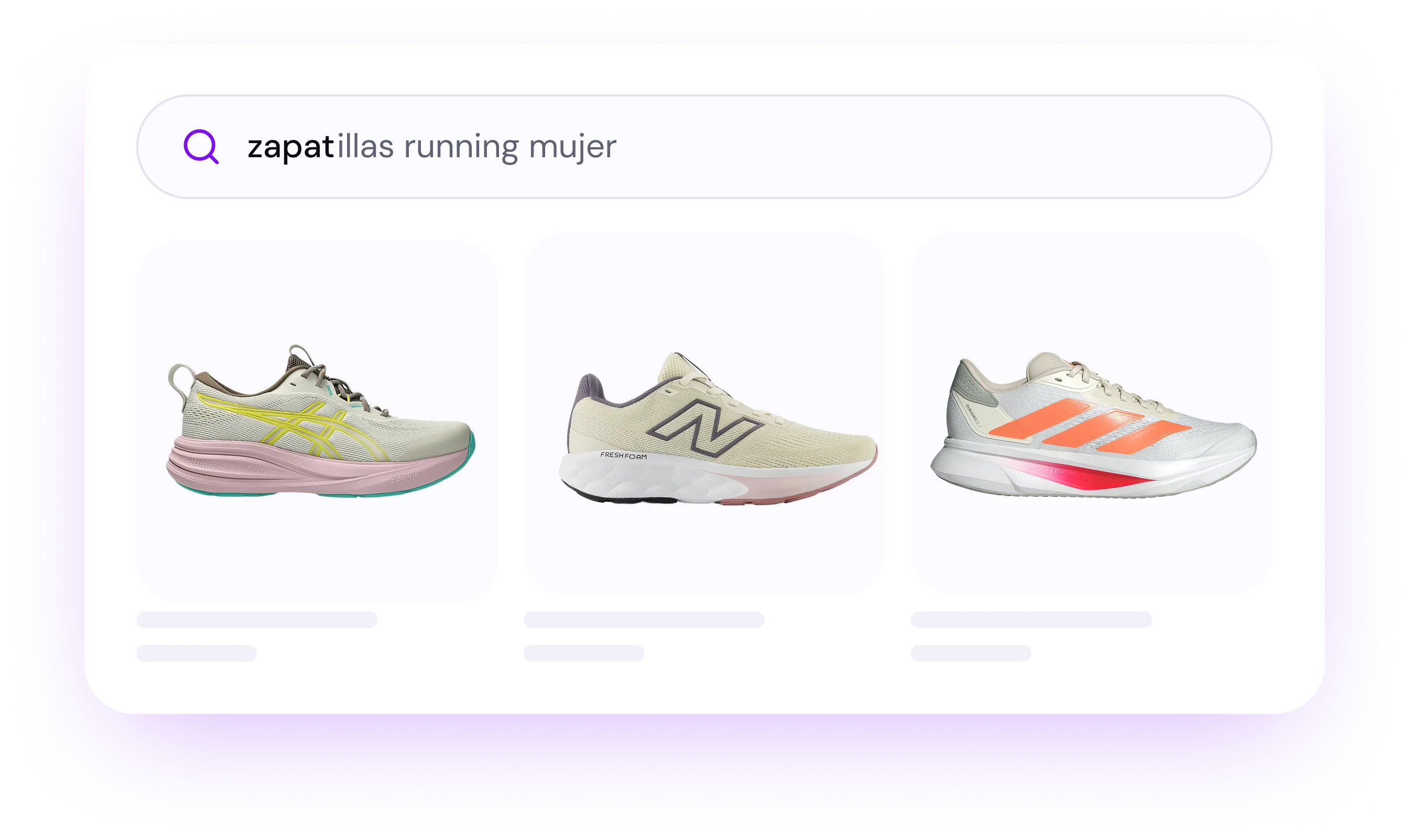
From the first letter, the dropdown shows real products with images and prices, not a list of terms. The customer reaches the product page in one click.
Correction and synonyms
Finds items even with typos
Typos, plurals, singulars, different brand spellings, and industry-specific vocabulary. Kimera normalizes it all before searching.
Dynamic filters
Filters are generated from the query
If someone searches for “waterproof boots for kids”, sizes, waterproof status, and color appear. Filters are built based on actual results.
Implementation
Active on your LogiCommerce in under 24 hours
No integration projects, no template changes, and no store downtime.
01
Request access
We give you credentials and review your catalog to see what information is in your product pages and what’s missing.
02
We integrate Kimera
Connector via LogiCommerce API or a light script. We don’t touch your template code, and your agency doesn’t need to get involved.
03
We measure impact
Dashboard with searches, zero-result queries, and conversion from day one, so you can make adjustments as needed.
LogiCommerce vs. Kimera
What changes when the search engine understands
Same store, same catalog, and same template. The only thing that changes is what happens when someone types in the search box.
Functionality
LogiCommerce
Kimera
Understands natural language
No
Yes
Typos, plurals, and synonyms
No
Yes
Attributes read from page and image
No
Yes
Query-generated filters
No
Yes
Order by margin, stock, and new arrivals
No
Yes
Zero-result searches
≈15%
<1%
Setup time
—
<24h
FAQ
What people usually ask us before starting
How is it different from the native LogiCommerce search?
The native search compares the written word with the title, description, and tags. Kimera interprets query intent and cross-references it with each product’s real attributes, including those found only in the image.
Do I need to touch the template code?
No. Integration is done via API or a light script. We don’t modify your template, and your agency doesn’t need to intervene.
How long does it take to get it working?
Less than 24 hours after you grant us catalog access. There is no integration project and no store downtime.
Does it work with multi-language and multi-currency catalogs?
Yes. Each market searches in its own language and currency.
What happens with zero-result searches?
They decrease immediately, and remaining ones appear in the dashboard so they can turn into catalog decisions rather than lost sales.
Can I influence the order of results?
Yes. You can give weight to margin, stock, new arrivals, or any collections you want to push, without sacrificing relevance.
Shall we see how your catalog would look?
We’ll show you Kimera running on your own products with real searches. Twenty minutes, no strings attached.